

Common Causes of Preform Flashing and How to Fix Mold-Related Issues
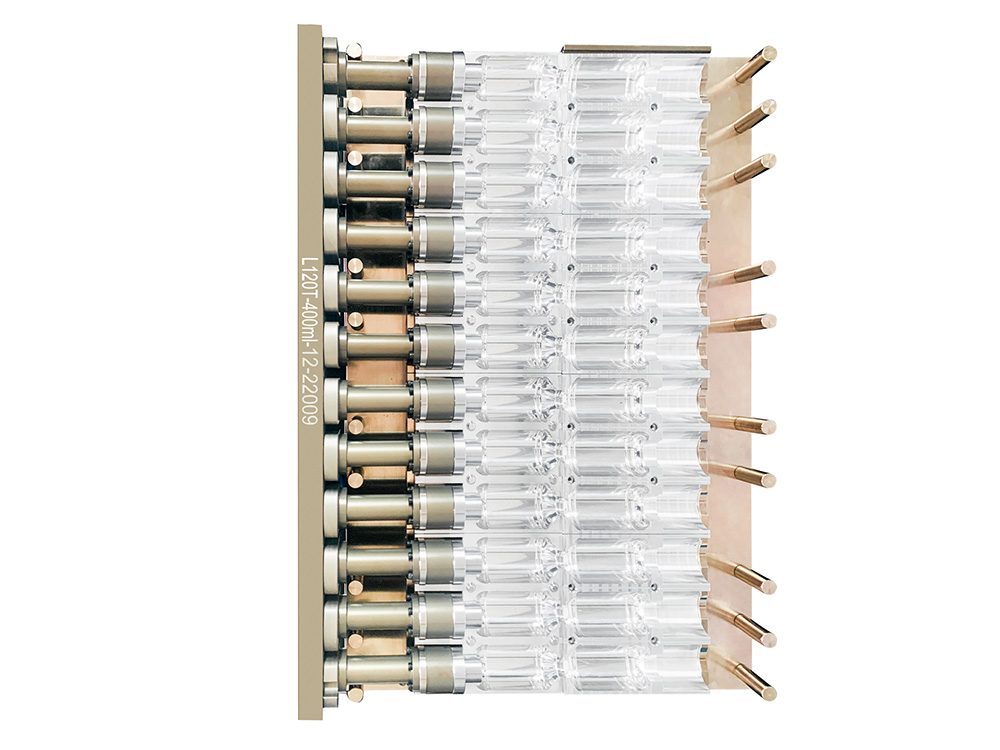
When you run PET preform production, a bit of flash can look like a small problem. It is just a thin fin on the parting line, somebody trims it and the line keeps moving. Over time, though, flashing raises scrap, adds hidden labor, and starts to disturb later steps like blowing and filling. In many plants, the real reason sits in the mold, not only in the machine settings. If you know where to look on the tool, you can fix the root cause instead of just cutting plastic every day.
Why Preform Flashing Is a Serious Issue in PET Production?
Preform flashing is extra plastic that squeezes out between mold faces and then cools as a thin fin along the body, neck, or gate. It wastes resin, makes preforms harder to pack, and can damage trimming tools. Flash around the neck or support ring is more serious, because it can disturb threads and sealing faces. That shows up later as capping issues, leaks, or problems on the blowing line when the blowing mold closes on a rough preform.
Where Flash Usually Appears on a Preform
Most flash sits on the parting line along the body, on the neck finish, near the support ring, or around the gate area. In early stages it may be a hairline that operators shave off without thinking. As the mold wears or heats up, the fin thickens and becomes tougher. Once that happens near the neck, flash is no longer just cosmetic, because it changes how the closure and bottle work together.
How to Tell If the Defect Is Mold Related
If the same flash pattern appears in many cavities, always in the same position, and basic process changes do not remove it, the mold is usually involved. When only a few cavities flash and the issue slowly gets worse with running hours, that also points toward local wear, dirt, or misalignment. Process can make flash better or worse, but a stable and repeatable pattern often comes from the tool.
Mold Related Causes of Preform Flashing at the Parting Line
The parting line is the first place to inspect. Any small mismatch between core and cavity gives PET an opening, especially during high holding pressure.
Worn or Damaged Parting Surfaces
Parting surfaces can collect dents or small chips over time. These defects break surface contact and create tiny leakage points. Light polishing may fix small areas, but deeper wear often requires insert replacement.
Misalignment Between Core and Cavity
Guide pins, bushings, and locating blocks lose accuracy over long use. Even slight misalignment can distort the neck area and open a gap on one side. That usually results in flash on the same zone every cycle.
Insufficient Shut Off Land or Clamp Contact
A narrow or uneven shut-off land creates weak sealing. High injection pressure pushes the mold apart in that zone. Some cases require wider shut-offs or better support pillars to increase stability.
Venting Problems in Preform Moulds That Lead to Flash
Air has to leave the cavity as melt comes in. When air is trapped, local pressure rises, and the hot gas can push material into weak spots on the parting line. Many people only think about burn marks or silver streaks when venting is poor, but venting also plays a role in flash.
Inadequate Vent Groove Design Around the Parting Line
If vent grooves around the shoulder, neck, or gate zones are too shallow, narrow, or simply not in the right place, air cannot escape fast enough. Melt then compresses that air and the extra pressure helps drive PET into nearby gaps. Checking vent depth and layout, and matching them to PET resin guidelines, is an important design step, not just a repair topic.
Blocked Vents and Dirt on the Mold Surface
Even good vents clog over time. PET dust, additives, oil, and fine wear particles settle in vent grooves and corners. The usual pattern in production is clear: right after a full cleaning, flash and burn marks improve, then both slowly return. That is a strong hint that vent and surface cleaning should be part of regular maintenance, not only something you do after a major problem.
Runner and Gate Design Issues That Promote Preform Flashing
The runner and gate system decides how and when each cavity fills. If some cavities get more flow or pack longer than others, they may see higher cavity pressure and start to flash sooner than the rest.
Oversized Gate or Unbalanced Runner Layout
An oversized gate or unbalanced runner layout can cause certain cavities to fill and pack faster. Those pockets of high pressure will stress the parting line in that part of the mold. Balancing the runner section, adjusting gate diameter, and fine-tuning hot runner temperature by zone can bring cavity pressure closer together and reduce flash.
Hot Runner and Nozzle Mismatch to the Mold
If the hot runner nozzle does not seat cleanly against the mold, or the contact surface is worn, you may see leakage or strong squeeze in that interface. In some tools this leads to flash and small defects around the gate area, sometimes mixed with burnt material. Correct contact geometry, stable temperature, and proper tightening at this joint help stabilize the whole gate region.
Cooling and Deformation Issues Inside the Preform Mold
Cooling does not only set cycle time. It also changes how the mold grows and moves during a long run. Uneven temperature across plates or inserts can shift contact and change where the tool is tight or loose.
Uneven Cooling Around Neck Finish and Gate Area
Neck rings and gate inserts carry more heat, so they expand differently from other parts of the mold if cooling is not balanced. Flash that appears only after the mold has been running for a while often points in this direction. Better cooling channel layout, enough flow, and closer control of mold temperature around these zones can bring dimensions back into a stable window.
Plate Warpage and Expansion Under Long Production Runs
Thin plates, poor support, or unsuitable steel can lead to warpage under clamp force and heat. If a plate bends, the parting line opens at the edges or in the center. You then see flash that grows as production goes on. Adding supports, increasing plate stiffness, or upgrading key steel sections can reduce this effect.
Maintenance and Handling Problems That Increase Flash Risk
Mold design is only half the story. How you handle, clean, and store the tool also affects flash. Some of the most frustrating cases come from simple maintenance gaps.
Contamination on Parting Surfaces and Locating Elements
Grease, dust, PET flakes, and even bits of tape can sit on parting surfaces, locating blocks, or behind inserts. That thin layer holds the mold open by a fraction of a millimeter, which is enough for flash. A clean mounting routine, quick checks during stops, and care when moving molds reduce this kind of “accidental spacer.”
Loose Bolts, Worn Guide Pins, and Locking Mechanisms
Guide pins, bushings, and lock blocks keep the mold straight and tight. If bolts back off or these parts wear, the mold starts to move under injection load. Flash may show up on different cavities on different days. Putting these items on a fixed inspection list is more effective than only looking at cavity surfaces.
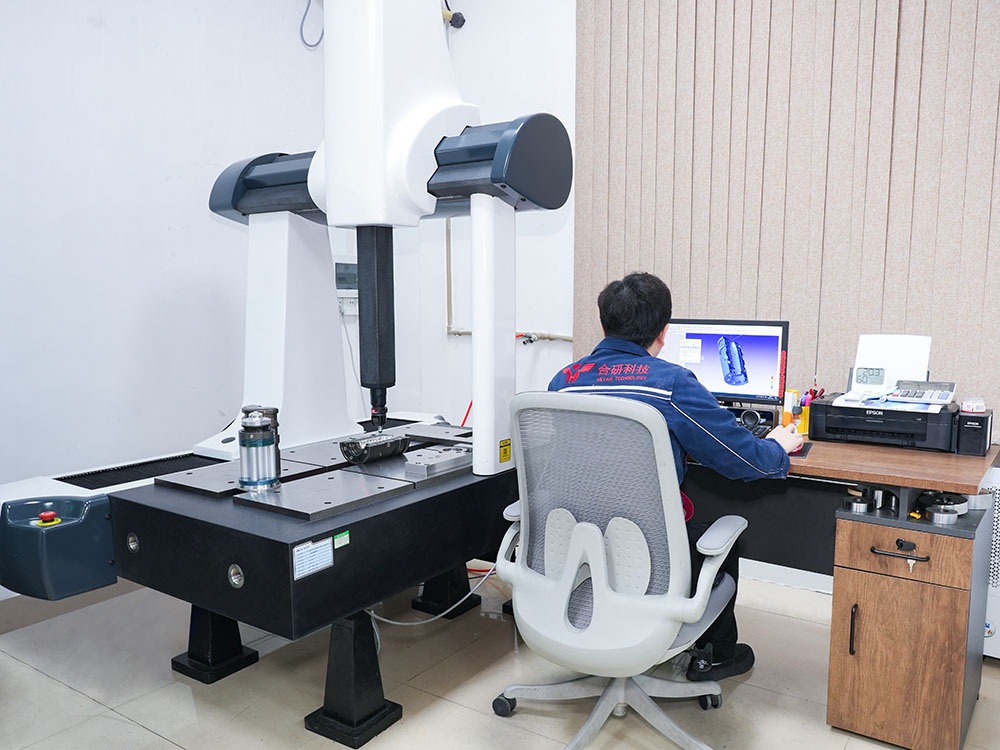
Step by Step Method to Fix Mold Related Preform Flashing
When flashing already shows up, a simple method helps you avoid random trial and error. You want a clean path from symptom to root cause.
Map the Flash Pattern on the Preform First
Look at which cavities flash, where on the preform it appears, and how severe it is. Take a few samples and mark them. If only certain cavities show flash near the neck, that points to local neck ring or alignment issues. A full ring on all cavities points more toward global contact, clamp, or thermal problems.
Check Mold Alignment and Shut Off Surfaces
Once you know the pattern, check alignment, parting line contact, and shut-off areas. Simple tools like thin strips or marking compounds show which zones really touch. Also check guide pins, bushings, support pillars, and lock blocks. Fixing these basic contact points often reduces flash more than any quick parameter change.
Review Venting, Gate, and Cooling in the Affected Area
If alignment looks good, move to venting, gate sizing, and cooling in the flash zone. Clean vents, verify depth, compare gate sizes, and look at local mold temperature. Small targeted changes here can lower pressure peaks or thermal expansion that were pushing PET into gaps.
Work With Your Mold Supplier on Design and Steel Upgrades
If the same flash keeps coming back after you maintain the tool and adjust the process, the design may need an update. That could mean changing shut-off geometry, adding vents, reworking cooling, or upgrading steel in high-wear zones. When you plan to improve a preform mold, bring clear data from your line so the tooling team can match the real running conditions.
When the Process, Not the Mold, Is the Main Cause
Not all flash comes from the mold. Process issues like very high injection pressure, low clamp force, poor PET drying, or extreme melt temperature can also drive material out of the cavity. It is usually smart to check these basics before heavy machining. If moderate changes to pressure, speed, and clamp force remove most of the flash, you may only need light mold work. If they do not, the tool deserves a closer look.
How a Well Designed Preform Mold Keeps Flash Under Control Long Term
A well designed tool keeps parting lines tight, cooling stable, and venting effective through long runs, not only during first trials. Support layout, balanced runners, robust neck and gate cooling, and good vent design all help control flashing over the full mold life. When you choose or upgrade a PET preform mold, it pays to think about long-term stability and not just the first sample run. A stable tool gives you cleaner parts, fewer problems on the blowing line, and less time spent trimming or reworking preforms.
How HEYAN TECHNOLOGY Supports Long Term Mold Stability
Foshan Heyan Precision Mold Technology Co., Ltd. (referred to as HEYAN TECHNOLOGY) focuses on PET packaging molds and handles design, machining, testing, and inspection in-house. Its experience covers preform tooling, bottle molds, and cap systems, giving the team a solid view of how mold structure affects real production. The company pays close attention to runner balance, vent layout, plate stiffness, and temperature control. Its PET preform tooling solutions aim to keep molds stable during long runs so you spend less time on troubleshooting and more time producing consistent preforms.
FAQ
Q1: Why does preform flashing sometimes only appear on a few cavities?
A: That usually points to local issues such as wear, dirt, or misalignment on certain cavities, not a full mold or machine problem.
Q2: Can process changes alone fix preform flashing for good?
A: Process changes can reduce flash if settings are far off, but if flash returns quickly, there is often a mold-related cause that needs attention.
Q3: Is it normal to see more flash as a mold gets older?
A: Some rise in flash risk is common as parts wear, but regular maintenance and timely repairs can slow that trend and extend useful mold life.
Q4: What is the first place to inspect when new flash appears?
A: The parting line, guide systems, and shut-off areas are good starting points, along with a quick check of clamp force and basic settings.
Q5: When should you consider a new mold instead of more repairs?
A: If you see repeated flash issues after several repairs, large worn zones, or major distortion of shut-off areas, a new or reworked mold may be more cost effective in the long term.